











































Sound You Can Feel
Advanced tech seating lets you feel sound like never before.
Built-in speakers + seat vibration- now that's entertainment!
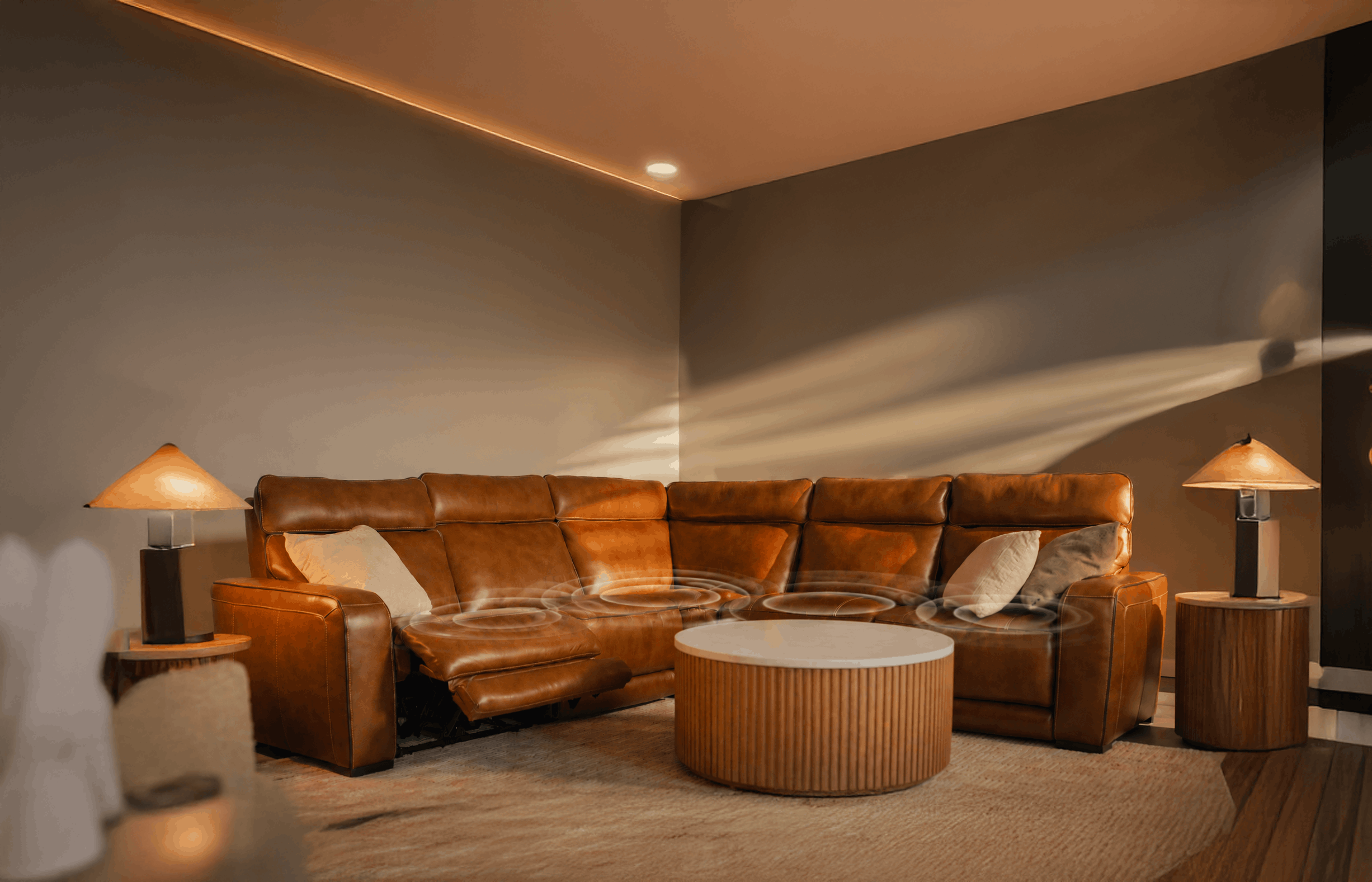
Paramount 5 Piece Leather Reclining Sectional
$6,599
Paramount 5 Piece Leather Reclining Sectional
$6,599

Built-In Surround Sound
Powerful built-in speakers with immersive subwoofers let you hear every detail. Wireless charging with Bluetooth lets you stream from any device.
360° Cinematic Sound
Enjoy the best seat in the house, whether you're watching solo or with the family. Strategic speaker placement ensures consistent sound quality throughout.

Seat-rumbling Vibrations
You won’t just sit and watch - you'll feel like you're part of the action with adjustable vibration control that lets you experience every explosion, bass line, and chase scene.
SHOP IMMERSIVE SOUND
Ready to upgrade your entertainment seating? Choose the piece that best fits your space.
BEHIND THE TECH
Crafted exclusively for Jordan's — engineered to deliver theater-level immersion
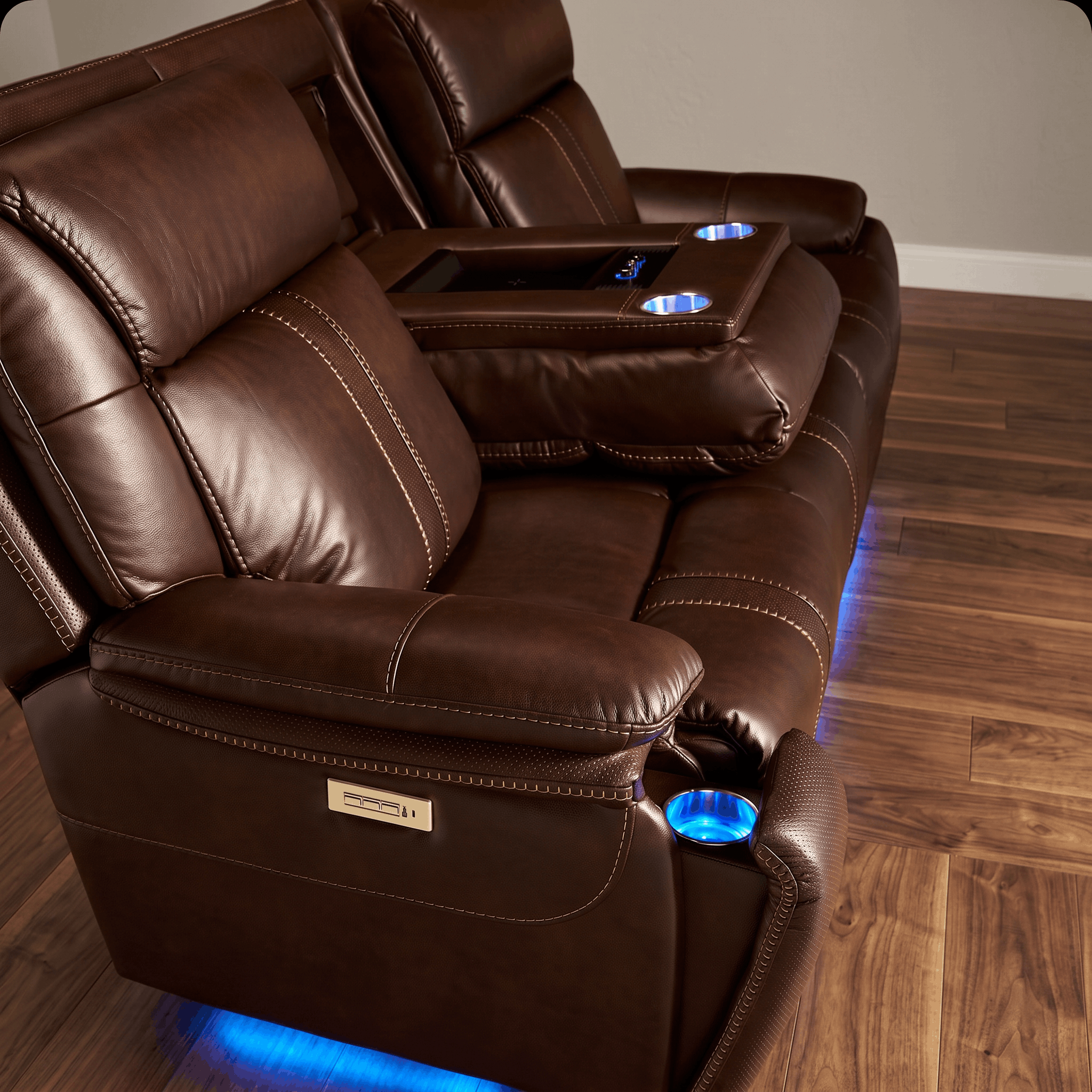

Speaker Modules
Premium drivers

Sub-Seat Transducers
Haptic feedback

Motion Dampening
Smooth vibration
Speaker Modules
Premium drivers let you enjoy superior audio with minimal distortion and wide frequency response.
Sub-Seat Transducers
Haptic feedback creates a physical sensation of touch or motion that vibrates from your seat.
Motion Dampening
Smooth vibration creates a quiet, stable sensation that reduces harsh jolts or unwanted shaking.
Every component is precision-engineered to work in harmony. The result? An immersive experience that transforms your living room into a personal theater.
IMMERSIVE FEATURES GUIDE
Compare and choose the immersive tech features you crave for your recliner, sofa, or sectional.
THE FULL BODY EXPERIENCE
Whether it's a movie, game, or music, you'll experience every fiber of the action.

THE "OH WOW" MOMENT
That instant when you realize entertainment will never be the same

HEAR IT.
Surround sound built into every seat. Crystal clear audio that wraps around you.

FEEL IT.
Dynamic vibration synced to the action. Every explosion, every bass drop hits different.

LIVE IT.
Total immersion. Your living room becomes the theater, the stadium, the concert hall.
Built-In Surround Sound
Powerful built-in speakers with immersive subwoofers let you hear every detail. Wireless charging station with Bluetooth lets you stream from any device.
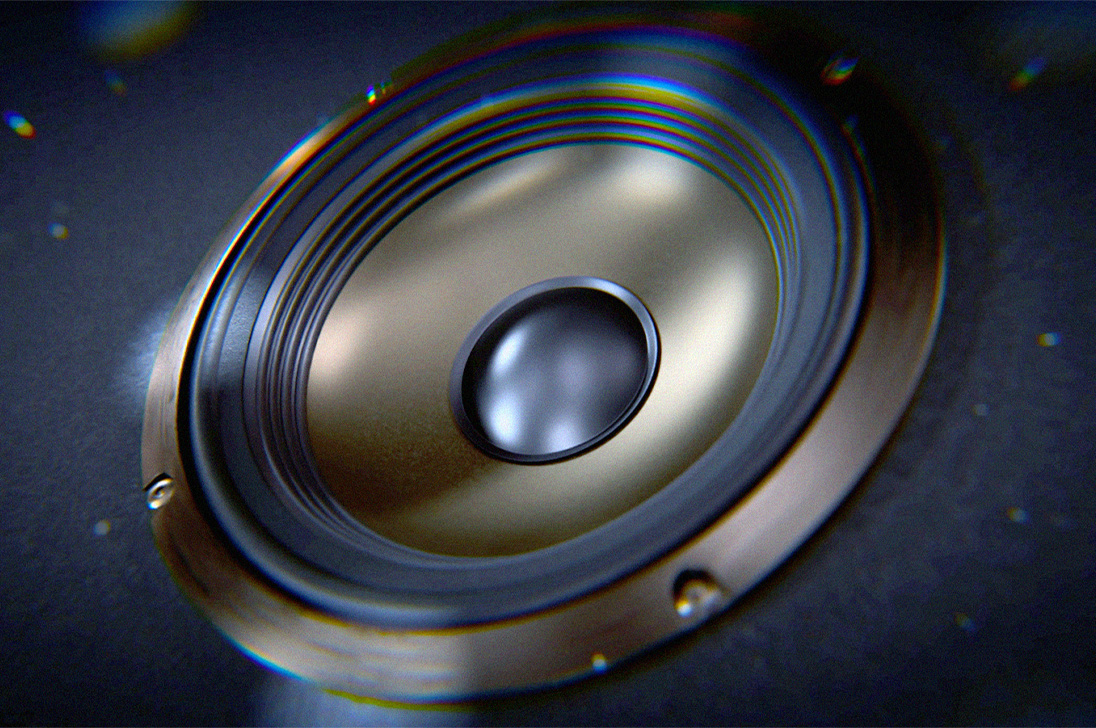
Seat-Rumbling Vibrations
You won’t just sit and watch – you’ll feel like you’re part of the action with adjustable vibration control that lets you experience every explosion, bass line, and chase scene.
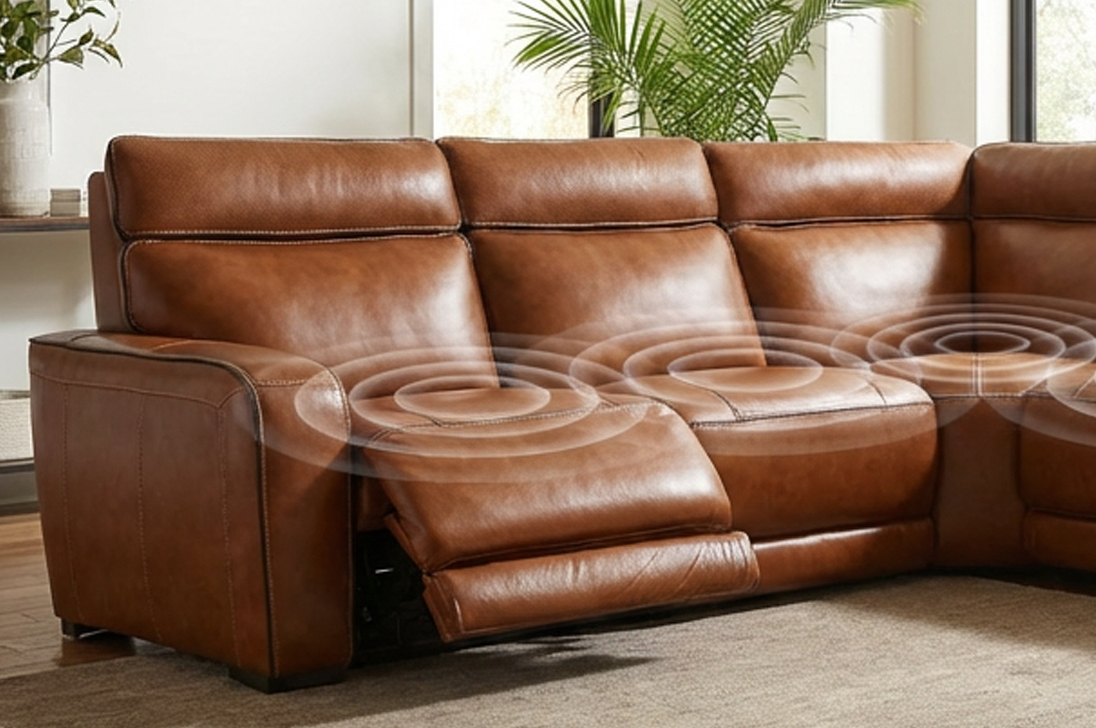
360 Degrees of Cinematic Sound
Enjoy the best seat in the house, whether you’re watching solo or with the family. Strategic speaker placement ensures consistent sound quality throughout.
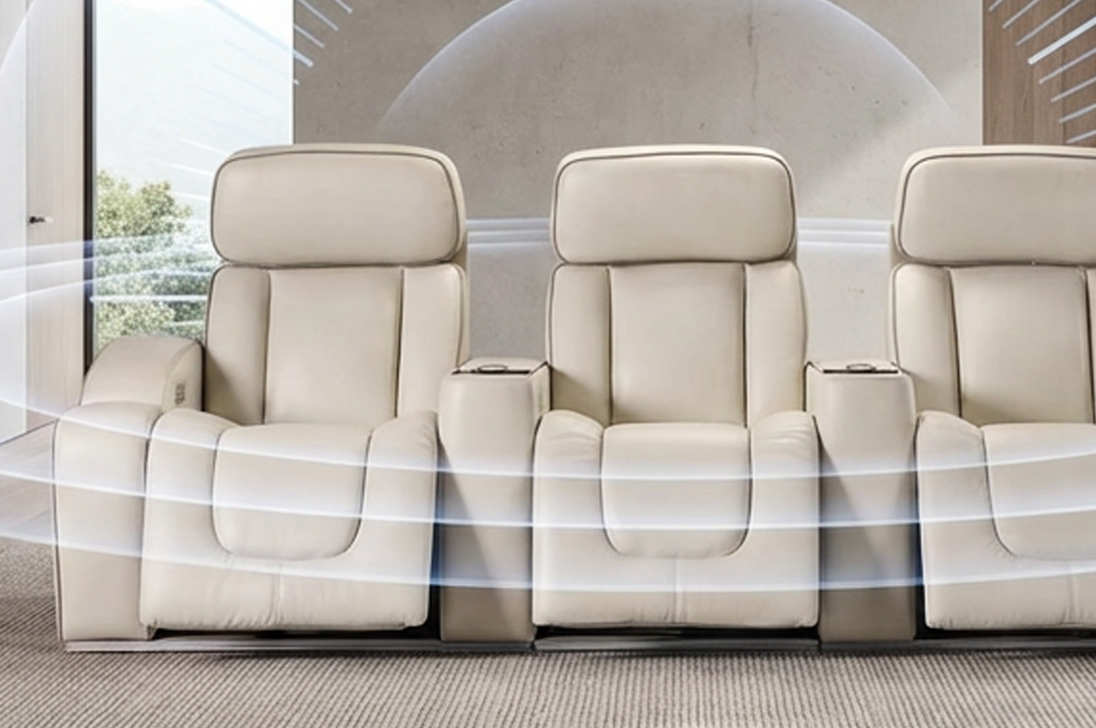

How to use your vibe system
Get started with your immersive audio furniture in 4 simple steps.
Power on Your Audio System
Turn on your furniture's system by finding the ON/OFF button. PRESS AND HOLD it until the LED lights turn on or you hear a voice say "POWER ON" (if using a wireless remote).
Enter Pairing Mode
If you have more than one piece of furniture, you only need to pair one with your TV. Choose the one you'll be sitting in most often. On that main piece of furniture find the wireless pairing button. PRESS AND HOLD it until the small blue light starts flashing. This means it's ready to pair.
Pair with TV
Check your TV's settings menu and find where you can add a wireless device. Since every TV is different, you may need your manual or a quick online search for your specific model.
Activate Broadcast Mode
Once you've paired with the Moto Media System, make sure the TV's sound is set to use this device. The light on your furniture will stay a solid blue when connected.
Need additional help? Our team is here to assist you.
Contact Support